Cell type annotation refers to the process of categorizing and assigning cell types to individual cells based on their gene expression profiles. These annotations are needed for understanding the cellular composition and diversity within a sample.
To generate automated cell type annotations, ensure your analysis includes a Gene Expression library.
For cloud-based models:
- Your sample must be from a human or mouse.
- The total number of cells in your analysis should range from 100 to 1.2 million.
- You must have a 10x Genomics Pipeline Runner account.
For the Pan-Human Azimuth model:
- Only human samples are supported.
- A 10x Genomics Pipeline Runner account is not required.
To run automated 10x Genomics cell type annotations with the cellranger annotate command, you will need to access the 10x Genomics Cloud CLI Access Token.
There are two ways of accessing the token:
- Run
cellranger cloud auth setup(recommended):
Cell Ranger v9.0 introduces a new command, cellranger cloud auth setup, to simplify the process of authenticating with 10x Genomics Pipeline Runner. This command provides an interactive walkthrough that guides you step-by-step through the setup.
When you run the command:
- You will be prompted to visit the 10x Genomics Pipeline Runner site, where you can generate an access token.
- After copying the token, paste it back into the command prompt, allowing Cell Ranger to save the token locally.
Once saved, the token is automatically reused for future requests, making it easier to access Pipeline Runner services without needing to repeatedly enter credentials.
- Manually create a token file
The token is located on the security page of your Pipeline Runner account: https://cloud.10xgenomics.com/account/security.
You have the option to either generate a new token or copy an existing one.
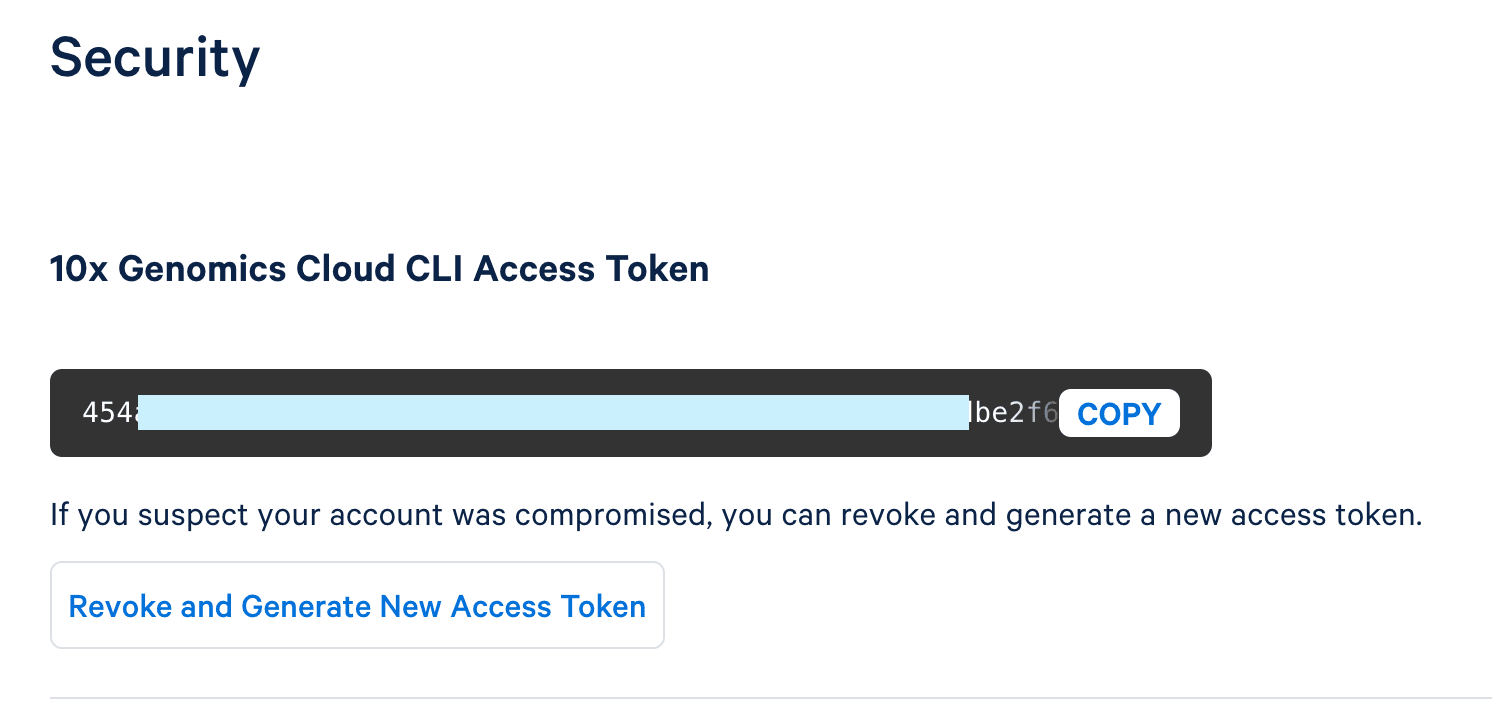
To create a new token, click "Generate New Access Token."
Once the token is generated, use the copy button to copy the entire token and save it as a plain text file in a secure location that others cannot access. This token controls access to data stored in your 10x Cloud Account.
multi pipeline into count and deprecated the annotate pipeline. Cell type annotation is enabled with count.For human samples, the Pan-Human Azimuth model runs locally without a cloud token or cell-annotation-model setting. To additionally enable cloud-based annotation, specify cell-annotation-model in the [gene-expression] section of your config CSV. Supply tenx-cloud-token-path only if you are not using the token saved by cellranger cloud auth setup.
Annotation outputs are organized into a subfolder per model (Azimuth and 10x_Cloud) within the cell_types/ directory.
For more details about these output files, see the Cell Type Annotation Outputs page.